Photo Service Feature

Photo Service Feature
Free Parcel Photo on Arrival — Included as Standard on All Plans
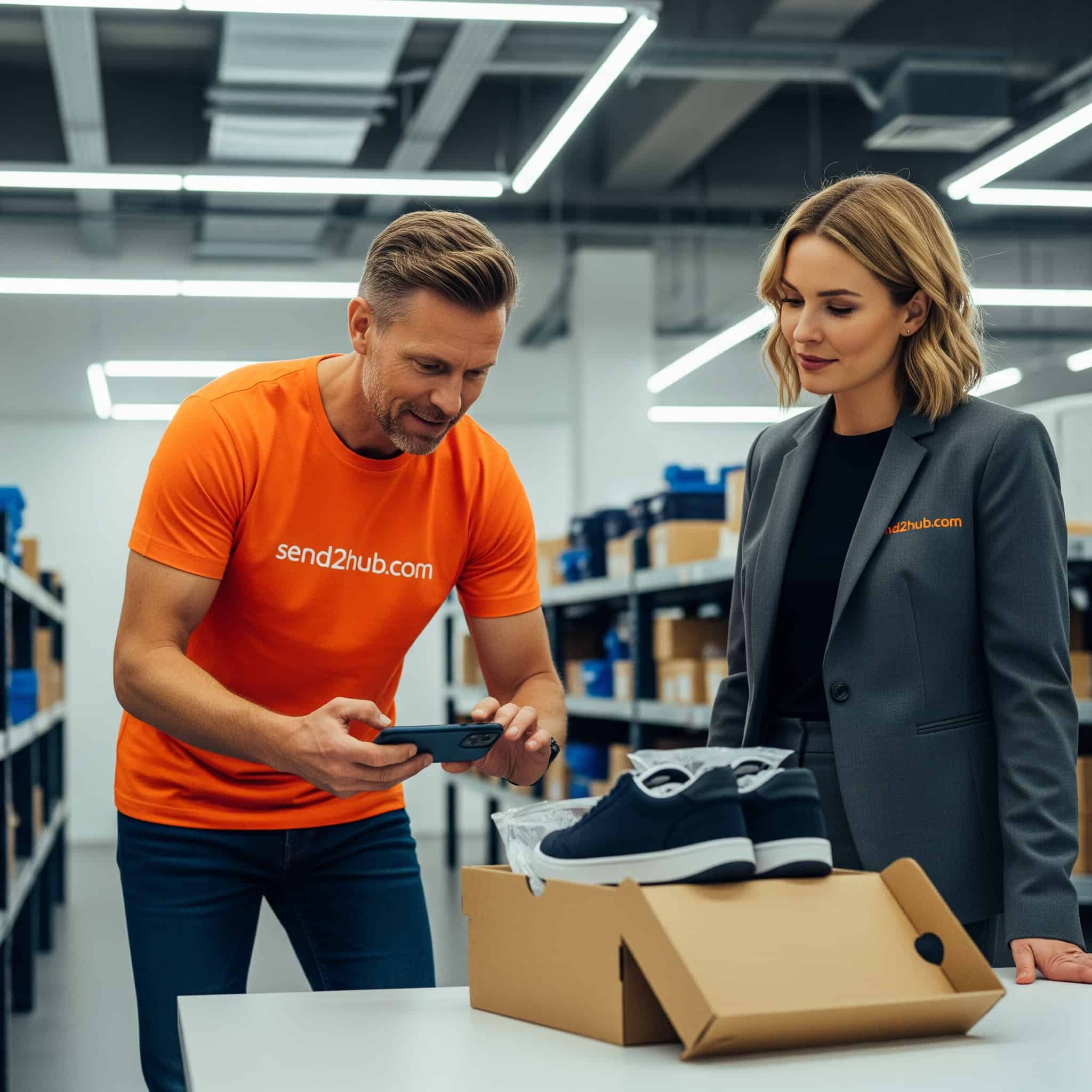
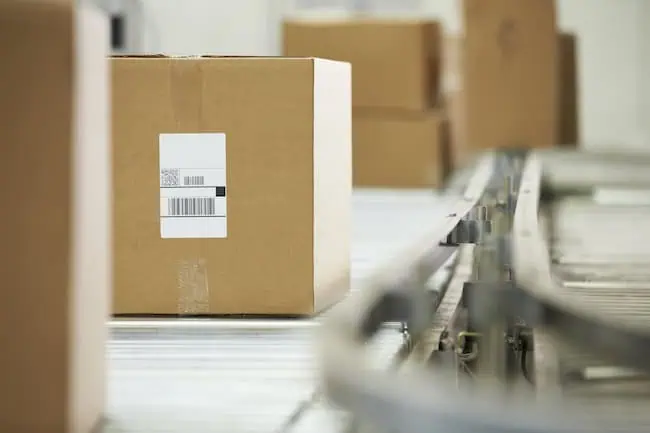
Every parcel that arrives at our Stoke-on-Trent warehouse is automatically photographed on the same day it arrives — no request needed, no extra charge. A full-size photo of your parcel's outer packaging appears in your real-time account dashboard immediately. You can see exactly what arrived and in what condition before we take any further action.
Why This Matters
Verify condition on arrival — see immediately whether packaging is intact or shows signs of damage before you request forwarding. If there is a problem, you know about it before we ship.
Confirm the right parcel — with multiple orders in your account at the same time, your dashboard photo confirms which parcel is which, without having to open anything.
Evidence for claims and disputes — if a parcel arrives visibly damaged, your dashboard photo provides documented evidence of the condition at the point of receipt — useful for carrier claims and insurance purposes.
Additional Photos — Available on Request
Need more detail? Additional photos — including interior contents, individual items or specific areas of packaging — are available as a paid add-on. Simply request additional photos directly from your item dashboard, select which parcel you need more detail on, and we will take the additional shots and upload them to your account. A small fee applies per additional photo set. See our pricing page for current rates.
Frequently Asked Questions
Is the parcel photo really free on all plans?
Yes. One standard photo of the outer packaging is included automatically on every plan — Individual, Business and Premium — at no charge. No request needed. The photo appears in your dashboard on the same day your parcel arrives.
What does the standard photo show?
The standard photo shows the outer packaging of your parcel as received — full size, clearly showing the condition of the box or envelope, any visible labels and any obvious external damage. It does not include photos of the contents inside the packaging.
How do I request additional photos?
Log in to your Send2Hub account, navigate to your item dashboard and find the parcel you want additional photos for. Select the additional photos option directly from the item menu. A small fee applies. Additional photos will be uploaded to your dashboard once taken.
Can I use dashboard photos as evidence for an insurance claim?
Yes. Dashboard photos provide documented evidence of your parcel's condition at the point of receipt at our warehouse. If visible damage is present on arrival, this is recorded before any further action is taken. Photos are timestamped and can be referenced in carrier claims or insurance dispute processes. See our Terms and Conditions for full details on claims and insurance.
Ready to get started? Register free and every parcel will be photographed on arrival automatically. Questions? Get in touch with our team.